“Why did sales drop last week?”
The assistant compares periods, visitor numbers, traffic sources and abandoned carts and tells you what changed.

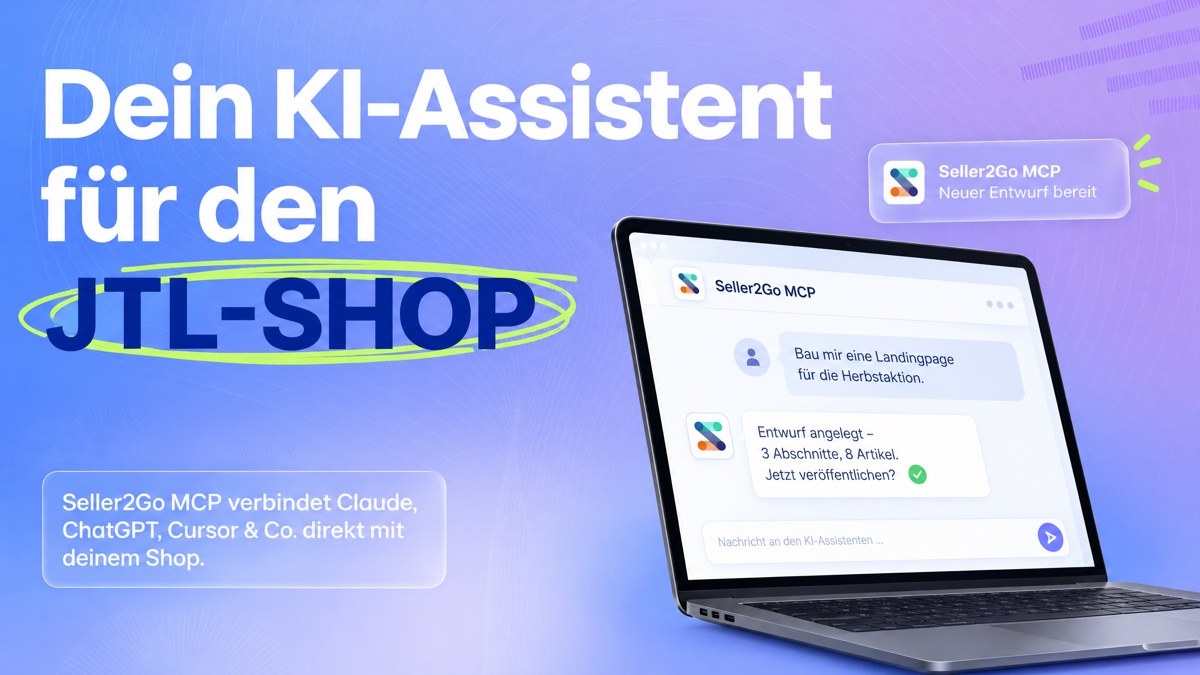
Connect ChatGPT, Claude, Cursor & co. to your JTL-Shop. Instead of clicking through backend menus, you say what you need: the assistant analyses figures, builds landing pages, writes blog posts and finds errors – with the rights of your backend account and with your approval for anything consequential.
 Approvals, activity log and kill switch
 Connected in minutes
A few everyday examples:
The assistant compares periods, visitor numbers, traffic sources and abandoned carts and tells you what changed.

It finds suitable products, assembles a page from portlets and saves it as a draft. Nothing is published until you say so.

It checks shipping and payment methods and finds, for example, a shipping method with no payment method enabled.

36 system checks, the log grouped by frequency, missing scheduled tasks and pages without meta data.
The assistant builds pages with the OnPage Composer – with grids, rows and columns – and saves them as drafts. Nothing is published until you say so.
 Landing pages, category and product pages with the OnPage ComposerCreate and edit custom pages and translate them into missing languagesMaintain blog posts, link groups, banners, sliders and boxesMore than 20 additional building blocks with the DC Portlets plugin

Sales, orders, visitors, traffic sources and best sellers: the assistant analyses them, compares periods and explains what changed.
Trends over time and period comparisonsAbandoned and saved cartsWhat your customers search forOrders and customers only with your approval and abbreviated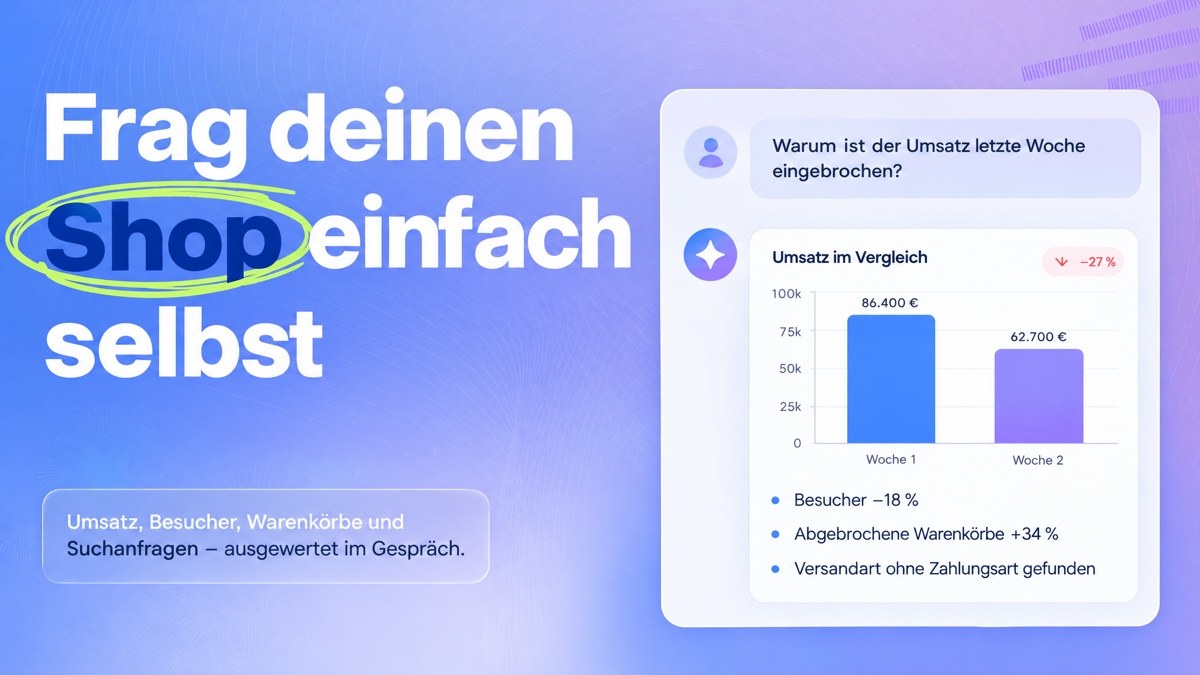
Every change is saved the way the backend page itself saves it – with the right that page requires.

Pages, blog, portlets, images, link groups, banners, sliders and boxes

Coupons and campaigns, newsletter templates with test mail, shop emails, reviews

Sales, visitors, best sellers, trends, carts and search queries

Meta data per language, SEO URLs, redirects, sitemap and RSS

Shipping methods and costs, payment methods, countries, packaging, customer fields

36 system checks, log, cache, cron jobs, exports and maintenance mode
An assistant can never do more than the person behind it – and does nothing consequential on its own.
Every access is tied to a backend account and can never do more than that accountDecide per access what is allowed – for example, reading statistics onlyThe assistant only prepares consequential actions, you approve them in the backendDefault mode “Restricted”: reading and drafts yes, nothing visitors would see immediatelyEvery call is logged, one switch turns all access off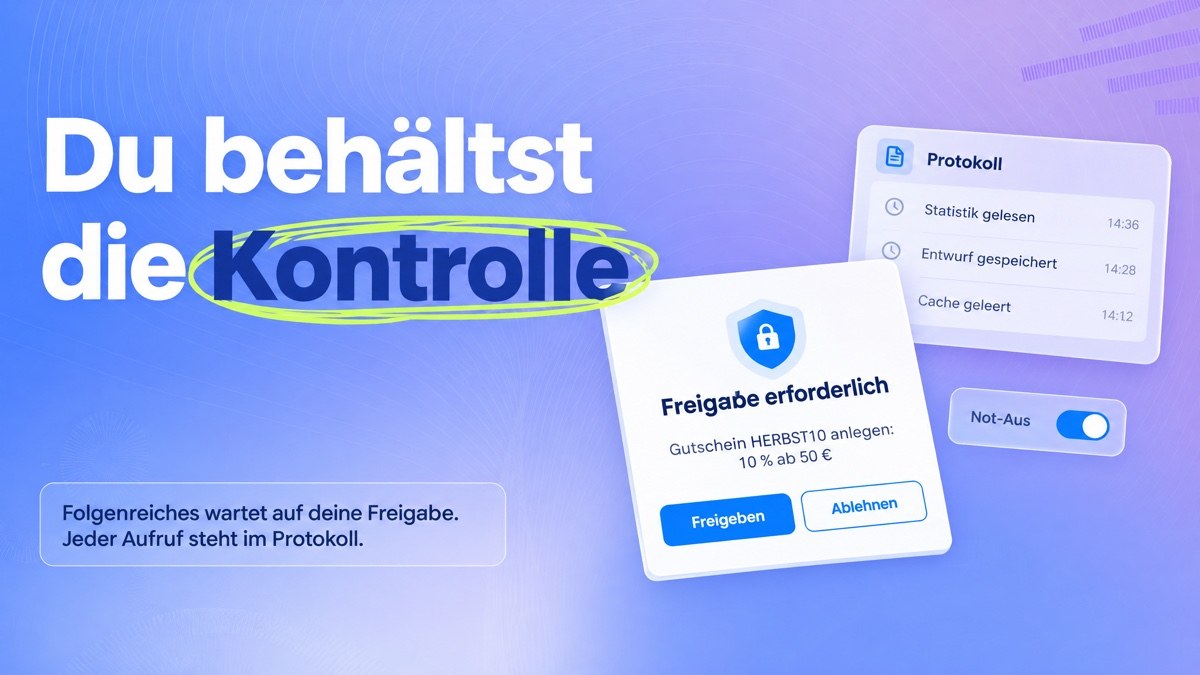
Even when enabled, names appear only abbreviated (“Maria K.”) and email addresses only as a domain, phone numbers, addresses and payment data never. The exception is the separate permission for database read queries – grant it only if you really need it.

Payment provider keys, mail, FTP or Wawi credentials are neither shown nor set.

By default the assistant cannot change your terms, privacy policy, cancellation policy or imprint.

No newsletter sending to subscribers, no user management, no database write commands, no plugin installation. Products and prices stay in JTL-Wawi.
Seller2Go MCP uses the open Model Context Protocol (MCP). You choose the assistant that suits you.

Through the Seller2Go for ChatGPT app or as your own connector in developer mode – either way, you approve access in your shop backend.

As a custom connector in claude.ai or the desktop app: enter the address, sign in to your shop, approve.

One line in the terminal, sign in in the browser, done.

Create an access with a key, the plugin shows you the ready-made configuration to paste.
With the Seller2Go for ChatGPT app you connect your shop without developer mode: add Seller2Go in ChatGPT, enter your shop address, sign in to your JTL backend and choose what is allowed. The connection runs through our server jtlshopmcp.seller2go.com, which does not store the contents of requests. The app is free of charge and requires the Seller2Go MCP plugin version 1.1.1 or later.
No extra account needed – you connect everything through your shop backend.
Get Seller2Go MCP from the JTL Extension Store and install it under Plugins → Plugin manager.
The “Start” tab checks whether assistants can reach your shop and shows the address for your assistant.
Enter the address, sign in to your shop backend and tick what is allowed.
Installation, connecting every assistant, all features, security settings and troubleshooting.
The Model Context Protocol is an open standard that lets AI assistants use tools and data. Seller2Go MCP makes the functions of your JTL-Shop backend available through it.
JTL-Shop 5.5 to 5.8, PHP 8.2 or later and HTTPS. For ChatGPT and Claude in the browser your shop must be reachable from the internet. Programs on your computer such as Cursor or Claude Code can also reach a local test shop.
With a direct connection the plugin itself is the server: it runs in your shop with no service in between. Only the Seller2Go for ChatGPT app forwards requests through our server, without storing their contents. Whatever the assistant requests always goes to the AI provider you connected.
It can never do more than your backend account. It only prepares consequential actions such as coupons, payment methods or settings, and you approve them. In the default “Restricted” mode the plugin refuses anything visitors would see immediately. Every call is logged, and changes to template and shop files can be restored with one click.
Customer data is switched off by default. Even when enabled, the plugin returns names only abbreviated and email addresses only as a domain. What the assistant requests is processed by the AI provider under its own terms. Whether that is permissible for your data, for example with a data processing agreement, is your decision.
You buy the plugin in the JTL Extension Store, where you will find the current price. The Seller2Go for ChatGPT app is free of charge. Your AI assistant may require a subscription with its provider.
Install, copy the address, connect – and handle routine backend tasks on request. With approvals, an activity log and a kill switch.
 View in the JTL Extension Store